


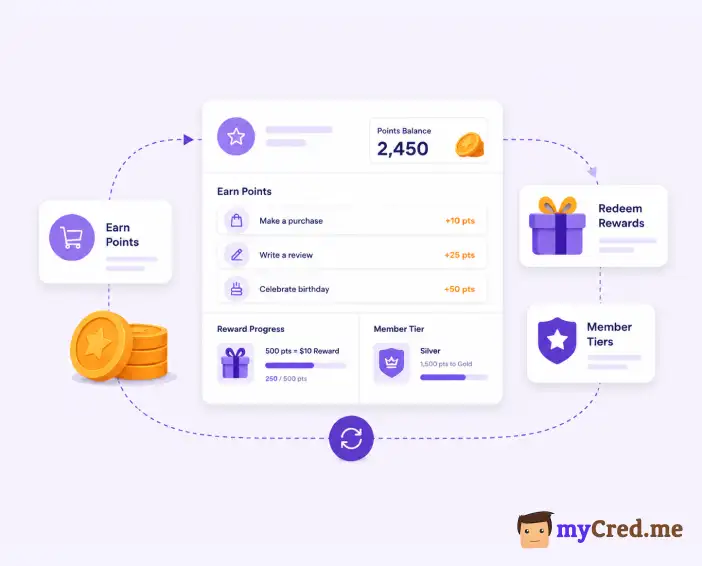
A points-based loyalty program rewards customers for buying from you. They earn points on purchases and then trade them for discounts, free products, or other perks. Simple idea. Getting it right takes more than turning on a plugin.
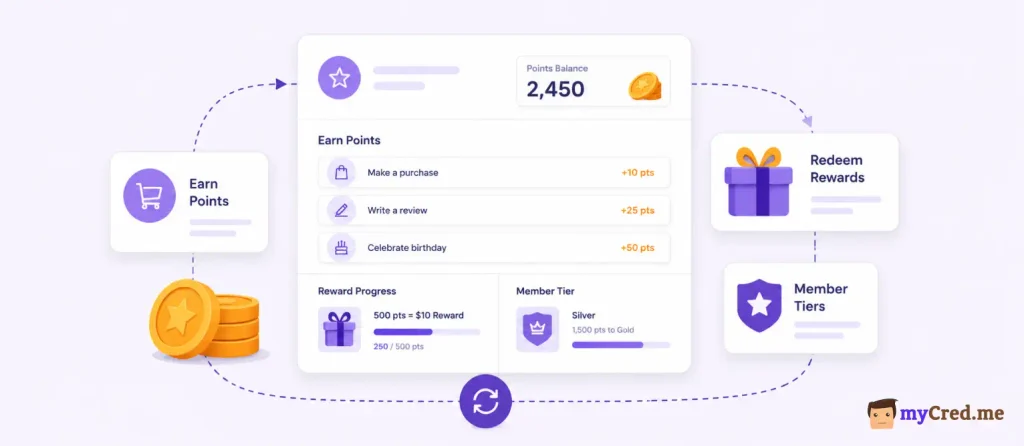
Here’s why it’s worth the effort. Loyalty program owners report a 92.7% positive ROI according to Antavo’s Global Customer Loyalty Report 2026, and members who redeem their points spend 3.1x more than customers who don’t redeem.
That gap is the whole game. A program only pays off if people actually use it.
This blog walks through the 10 decisions that actually make a points-based loyalty program work, then shows you exactly how to build one in WordPress using myCred.
1. Define Your Loyalty Goal
Before you build anything, pick one goal. A loyalty program needs one clear target: more repeat purchases, higher average order value, more referrals, or less churn. Pick one. Don’t try to chase all four at once.
Here’s why this matters!
A rewards program without a clear goal tends to drift. Every loyalty program shares the same basic job: turn one-time buyers into repeat customers.
But the metric that proves it’s working changes depending on what you’re actually trying to fix.
A few examples of how goals map to metrics:
| Goal | Metric to track |
|---|---|
| Get customers to buy again | Repeat purchase rate |
| Increase how much each customer spends | Average order value (AOV) |
| Grow through word of mouth | Referral rate |
| Reduce customer drop-off | Churn rate / retention rate |
Why bother? Because retaining a customer is far cheaper than finding a new one.
Acquiring a new customer cost 5 to 25 times more than keeping an existing one. And a 5% bump in retention can lift profits by 25% to 95%.
That’s the difference between a program that pays for itself and one that doesn’t.
Write your goal down before you touch a single setting. Everything else in this guide builds on it.
2. Decide How Customers Earn Points
Next, decide exactly what actions earn points. Purchases, sign-ups, reviews, referrals, social shares, logins. Pick your triggers before launch, not after.
The most common ones: purchases, product reviews, referring friends, and engaging with your brand on social media. Keep the list short at first. You can add more later.
Now, the part most programs get wrong: complexity. When earning rules get complicated, people quit trying to figure them out.
63% of consumers say they’ve abandoned a loyalty program because they couldn’t understand how it worked.
And 57% will walk away if points take too long to earn.
The fix is simple. Let customers earn points on their total bill, not just certain products or certain days. Restricting point collection to specific conditions erodes trust.
Rule of thumb: if you can’t explain your earning rules in one sentence, they’re too complicated.
3. Decide How Points Are Redeemed
This is the step that actually makes or breaks your program. You can have generous earning rules, but if redemption is a hassle, none of it matters.
Common redemption options:
| Redemption type | Best for |
|---|---|
| Discount / coupon | Simple, easy to understand |
| Free product | High perceived value |
| Free shipping | Low cost, high appeal |
| Store credit | Keeps spend inside your store |
| Exclusive access/content | Membership or SaaS sites |
Here’s the number that should shape how you build this step. Members who redeem their points spend 3.1x more per year than members who don’t redeem.
But across the industry, roughly half of all earned points never get used. That’s half your points-based loyalty program’s potential is sitting unused if redemption is hard.
Why does redemption get skipped so often?
Confusing rules, narrow redemption windows, and thresholds that feel out of reach.
The fix: lower the bar to redeem something, and make the process itself fast.
Bottom line: make loyalty points redemption at least as easy as earning. If customers have to think twice about how to use their points, most of them just won’t.
4. Set the Points Value
Every point needs a real dollar value. If it doesn’t, customers can’t tell whether they’re earning something worth chasing.
Here’s the formula:
Point value = the reward’s dollar value divided by the points needed to get it.
If a $10 discount costs 1,000 points, each point is worth $0.01, or one cent.
A common, easy-to-understand ratio is $1 spent = 1 point, with each point worth about a cent at redemption.
Round numbers beat clever multipliers. If a customer has to pull out a calculator to figure out what their points are worth, they’ll stop bothering.
| Reward value | Points required | Point value |
|---|---|---|
| $5 off | 500 points | $0.01/point |
| $10 off | 1,000 points | $0.01/point |
| $20 off | 2,000 points | $0.01/point |
- Instead of just “150 points,” show “150 points ($1.50)” next to the price.
- Instead of just “1,000 points,” show “1,000 points = $10 off” at redemption.
When customers can see the cash value at a glance, they trust the program more and use it more.
Keep this ratio consistent everywhere on your site. A point worth $0.01 on a product page and $0.008 at checkout is the fastest way to lose customer trust in the whole points-based loyalty program.
5. Create Reward Tiers For Points-based Loyalty Program
A flat program treats every customer the same. Tiers don’t. And the data says tiers are worth the extra setup work.
Here’s how tiers usually work. Customers start at a base level. They move up by hitting a milestone, usually total spend within a year.
Each tier unlocks better loyalty rewards. A common structure looks like this:
| Tier | Typical requirement | What changes |
|---|---|---|
| Base | Sign up | Standard earning rate |
| Mid | Spend $X in 12 months | Slightly higher earning rate, minor perks |
| Top | Spend $Y in 12 months | Point multiplier, exclusive rewards, early access |
VIP tier members generate 73% higher average order value and buy 3.6 times more often than customers outside the tier system. Tiered programs also see 1.8x higher ROI than flat, non-tiered programs.
If you’re using multipliers to reward higher tiers, the formula is: points earned = (amount spent × earning rate) × tier multiplier.
So a base member earning 1 point per dollar gets 1 point on a $50 order. A top-tier member with a 2x multiplier gets 100 points on the same order.
Don’t overbuild this on day one. Two or three tiers is enough to start.
6. Add Bonus-Point Opportunities
A points-based loyalty program that never changes starts to feel stale. Bonus-point events are how you keep it feeling active without redesigning the whole thing.
The most common ones:
- Double-points days or weekends: a short window where every purchase earns 2x or more. Often tied to a slow sales period, a product launch, or a brand anniversary.
- Birthday bonus points: automatically awarded around the customer’s birthday. This works well for re-engaging customers who haven’t ordered in a while, not just active ones.
- Sign-up bonus: a one-time point boost for joining. Gets new members past the “why bother” hesitation.
- Referral bonus: extra points when a referred friend makes their first purchase.
- Review or feedback bonus: points for leaving a product review, which also builds social proof for future customers.
One outdoor apparel brand used bonus-point events tied to product launches and brand milestones specifically to reactivate lapsed customers, not just reward active ones. That’s the real value of bonus points: they’re a lever you can pull whenever engagement dips.
Keep bonus events time-bound and clearly communicated, like “Double points this weekend”.
7. Set Expiration Rules
Should points expire? There’s no single right answer. What matters more is being upfront about whichever rule you pick.
Here are the three common models:
| Model | How it works | Best for |
|---|---|---|
| No expiration | Points never expire | Simple to run, customer-friendly, but liability sits on your books indefinitely |
| Fixed/calendar expiration | All points expire on one set date each year | Easy to manage, but can feel unfair to customers who just earned points before the cutoff |
| Rolling expiration | Each batch of points expires a set number of months after it was earned | Fairer to customers, more complex to track |
| Activity-based expiration | Points only expire if the account goes inactive for a set period | Rewards engagement, keeps points alive for active shoppers |
A points-based loyalty program that buries expiration terms in fine print loses customer trust fast. And non-redeemers are more than twice as likely to defect than customers who redeemed in the past year.
State the timeframe in plain language. Show it on the account dashboard. Send a reminder email one to two months before points expire, not the day after they’re gone.
Expiration is common, not a red flag.
8. Create a Customer-Facing Points Dashboard
Customers won’t dig through account settings to find their points. If the balance isn’t visible and easy to understand, most people forget the points-based loyalty program exists.
A solid dashboard needs, at minimum:
- Current balance — shown as a number and, ideally, its dollar value
- Nearest reward — how close they are to unlocking something, not just a raw point count
- Earning history — a simple log of recent points earned
- Expiration date, if you use one, shown clearly, not buried
The rule that matters most here: translate points into money, not just numbers.
Don’t skip this step because it feels like polish. A points balance that’s hard to find is functionally the same as no points balance at all.
9. Promote the Points-based Loyalty Program
A well-built points-based loyalty program with low awareness still fails.
Consumers are enrolled in dozens of loyalty programs on average, but active in fewer than half of them. Enrollment alone proves nothing. Visibility does the actual work.
Where to promote it:
| Channel | What to do |
|---|---|
| On-site | Banner or pop-up at sign-up and checkout, not buried in the nav menu |
| Checkout page | Show points earned before the customer completes the purchase |
| Post-purchase email | Confirm points earned right after the order |
| Ongoing email | Periodic balance reminders, not just a one-time welcome message |
| Account dashboard | Always visible, not tucked behind a click |
10. Measure Performance of Points-based Loyalty Program
Go back to the goal you set in Step 1. That’s what you track.
Core metrics worth tracking:
| Metric | What it tells you |
|---|---|
| Enrollment rate | Who’s joining |
| Redemption rate | Who’s actually using their points |
| Repeat purchase rate | Whether the program is driving return visits |
| Average order value (members vs. non-members) | Whether members spend more per order |
| Point liability | Outstanding unredeemed points × point value — your future cost |
A redemption rate between 15% and 35% is healthy. If yours sits below 15%, either the rewards aren’t compelling or redemption has too much friction.
On ROI: the average loyalty program returns close to $4.80 to $5.20 for every dollar spent, and roughly 90% of programs report a positive return overall. That’s your north star.
If your numbers are landing well below that after a few months, something in steps 1 through 9 needs a second look, not a bigger discount.
How to Build Points-based Loyalty Program with myCred in WordPress
Everything above is the theory. Here’s where it becomes real.
Every decision in this guide maps to a specific setting or add-on inside myCred, so building your program doesn’t mean hiring a developer. It means configuring a plugin.
| Loyalty Program Decision | myCred Feature |
|---|---|
| Goal-setting / tracking | The myCred Loyalty Dashboard, which centers on a Loyalty Metrics Hub, WooCommerce Metrics Hub, and point type distribution reporting so you can watch the exact metric tied to your goal |
| How customers earn points | Hooks — conditional triggers that automatically award or deduct points whenever a specific action happens on the site, including purchases, registrations, daily logins, and referrals |
| Point types (single or multi-currency programs) | Unlimited custom point types, so a site can run separate currencies at once, like “Loyalty Points” for one program and “Referral Credits” for another |
| Redemption | The Sell Content hook to gate content or products behind a point price, buyCRED to let users buy points with real money, and native WooCommerce integration so points can be earned and spent directly at checkout |
| Point value / conversion display | The My Balance Converted Gutenberg block, which displays a user’s converted balance with a set conversion rate, prefix, and suffix, so customers see the dollar value, not just a raw point count |
| Reward tiers | The Ranks add-on, which sets up a leaderboard based on users’ point balance, plus Ranks Plus for more advanced tier logic like custom rank requirements |
| Bonus-point opportunities | Built-in hooks for daily login rewards and anniversary points for consecutive or non-consecutive years of activity, plus a Birthday add-on for automated birthday bonuses |
| Badges / achievement recognition | The Badges add-on to create visual tokens of achievement and award them automatically, with Badge Plus for more advanced trigger logic |
| Expiration rules | The myCred Expiration add-on, which lets you set the number of days after which a user’s points expire, calculated from the date each batch of points was earned, with automatic email notifications before and after expiration |
| Customer-facing dashboard | Gutenberg blocks including My Balance, Hook Table, List Ranks, and Badges List, which together let you assemble a full points dashboard on any page without custom development |
| Measuring performance | The Logs screen and the Loyalty Dashboard’s Recent Activity and Top Members views, where every point adjustment is logged and can be broken down by point type or user for detailed analysis |
If you’re starting from scratch, the setup path looks like this:
- install myCred,
- pick your point type,
- activate the Hooks you need for earning,
- activate Ranks and Badges if you want tiers and recognition,
- connect WooCommerce if you’re running an online store, and
- turn on the Expiration addon if you want a time limit on points.
From there, the Gutenberg blocks handle the customer-facing side, and the Loyalty Dashboard handles yours.
myCred is used on over 10,000 websites and integrates with WooCommerce and dozens of other plugins. So, whatever platform your store or membership site is already built on, there’s a good chance it plugs straight in.
Last Word
Ten decisions. Made once, they hold up for a long time. You don’t need to get every detail perfect at launch, you need a clear goal, simple earning rules, and redemption that doesn’t make customers work for it.
If you’re building this on WordPress, myCred covers all 10 steps without custom code. See the full list of add-ons or check current pricing to find the setup that fits your program.